
Welcome to this friendly guide designed to help you create a workspace that truly works for you. A well-planned desk setup is more than just a pretty area in your room. It serves as a vital tool that boosts your physical comfort and long-term health.
Whether you spend your day in a home office or a busy corporate building, these tips assist all professionals. We will explore how picking the right gear and organizing your desk can change your life. You deserve a station that supports your daily tasks while keeping you feeling energized.
Every small change leads to massive gains in output and focus. This plan provides real steps to improve your work habits immediately. Let’s turn your current workspace into a true powerhouse of efficiency and productivity.
Transform Your Workspace: Why Your Desk Setup Matters
The difference between a stressful workday and a smooth one often starts with the surface right in front of you. Your desk setup is the foundation of your entire work experience. It directly impacts your daily productivity, comfort levels, and overall job satisfaction.
If you are currently working at a dining table with a poor chair, you will likely get distracted. You might even find your work a bit boring because you are simply not physically supported. Investing in a proper desk and functional gadgets can actually make your tasks more enjoyable.
A very clean desktop often leads to a clean mind. When your physical environment is cluttered, your thoughts tend to feel scattered as well. A messy workspace makes it much harder to complete your work with speed and accuracy.
| Benefit | Long-Term Impact |
|---|---|
| Better Posture | Reduced physical strain and pain |
| High focus | Increased total work output |
| Ergonomic comfort | Improved daily mood and energy |
Creating a functional workspace is about more than just appearances. It is about building an area that supports your best efforts every single day. Even small changes to your current desk can yield significant benefits for your health and concentration.
- Reduced physical strain through better posture.
- Improved mental clarity and concentration.
- Higher motivation to start and finish tasks.
You do not need a total overhaul to see a massive difference. Simply organizing your desk can transform your mood and boost your professional energy. Start with small improvements and watch how your productivity climbs over time.
Step 1: Choose the Perfect Location for Your Desk
Picking the right spot for your workstation is the first step for a productive day. Even the best equipment will not make up for a poorly chosen environment. You need a place that helps you focus while keeping your job separate from your personal life.
Find a Quiet, Dedicated Area Away from Distractions
Finding a quiet area is essential for maintaining deep focus. You should look for a spot in your home that stays away from high-traffic zones like the kitchen or the living room. Having a room with a door provides the privacy you need for important calls.
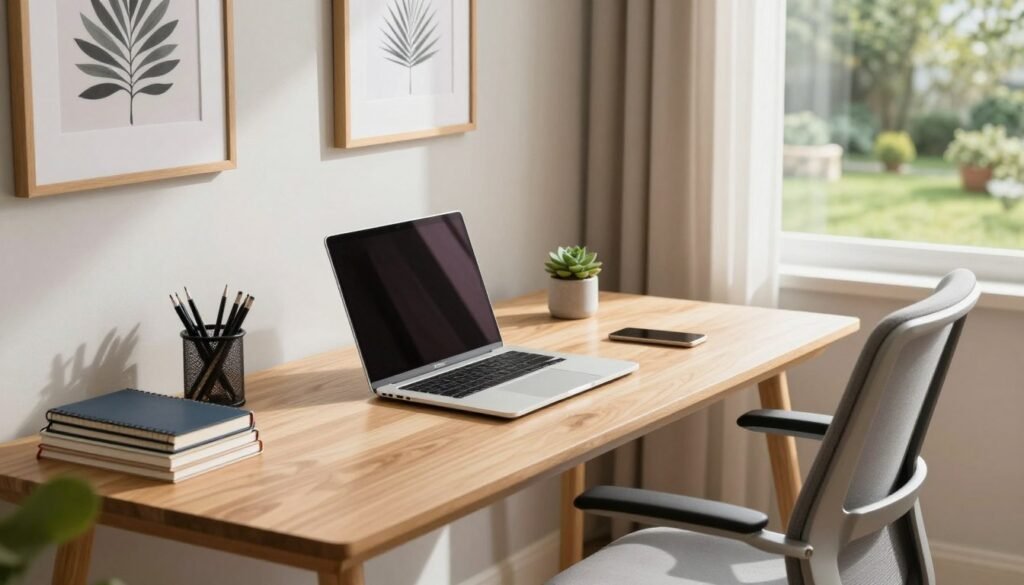
A closed door also creates a physical boundary that tells your brain when it is time to stop. It is important to find a spot that can become your permanent space rather than using a temporary dining table. A steady home setup helps you build a strong daily routine without constant cleaning.
Investing in a permanent desk ensures your tools are always where you need them. This consistency reduces stress and helps you transition into your tasks faster. Avoid spots near the television to keep your mind on your goals.
| Factor | Benefit | Best Practice |
|---|---|---|
| Privacy | Higher Focus | Use a room with a door |
| Boundaries | Work-Life Balance | Fixed office setup |
| Quiet | Professionalism | Away from high traffic |
Position Your Setup Near Windows for Natural Light
Natural light is a powerful tool for your physical and mental health. It can boost your mood and significantly reduce eye fatigue throughout the afternoon. Place your desk near a window to create a bright and inviting office space.
Position your screen perpendicular to the window to prevent annoying glare. A nice view also offers a quick mental reset during your short breaks from work. Watch how the sun moves through the area to ensure the light remains consistent.
Position your desk so you can enjoy the scenery without squinting at your monitor. Exposure to sunshine improves vitamin D production and keeps you motivated. This simple choice can transform how you feel about your daily tasks.
Step 2: Select the Right Desk for Your Work Style
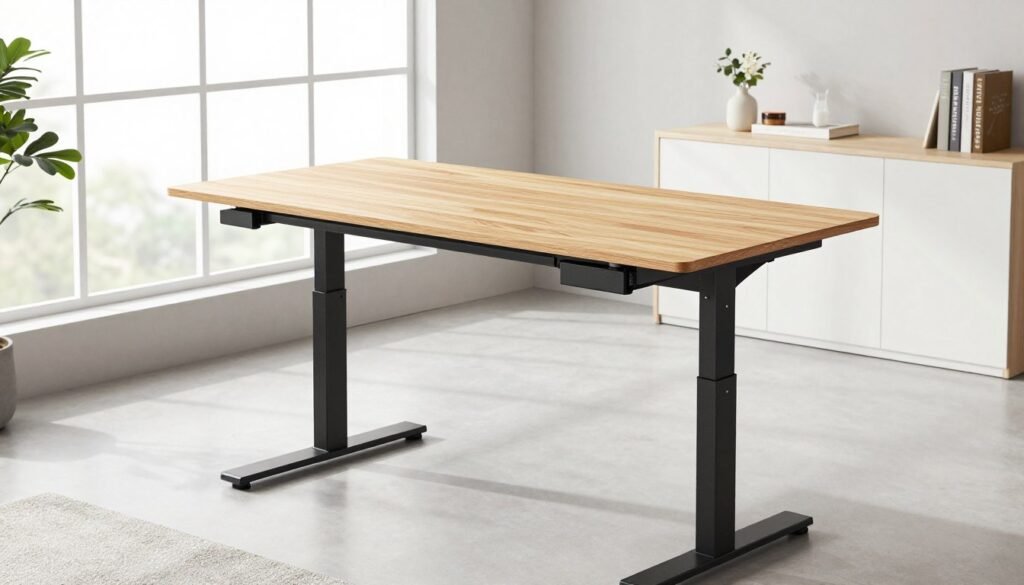
The foundation of any elite workspace begins with selecting a desk that supports your specific goals. This piece of furniture is the most vital investment for your office. It acts as the anchor for your entire setup.
Your choice dictates how you feel at the end of a long day. A well-chosen surface allows you to focus without physical strain. It provides the stability you need for deep focus and creative flow.
Determine the Ideal Desk Size and Surface Area
Your specific daily tasks help you determine the appropriate size for your needs. If you use dual monitors, you will need a wide surface to avoid feeling crowded. Those who work mostly on a laptop can choose a more compact model.
Measure your available room before you make a purchase. A workspace that is too big can overwhelm a small room. Conversely, a tiny desk will limit your productivity. Ensure the surface has enough depth to keep your screen at a comfortable distance. This planning ensures your size choice provides room for growth.
Consider an Adjustable Standing Desk (24-50 inches height range)
An adjustable standing desk ergonomic solution transforms your office into a dynamic environment. You no longer have to stay seated for hours on end. Instead, you can alternate between sitting and standing to boost your energy levels.
Most models offer a height range from 24 to 50 inches. This flexibility caters to almost every body type and preference. Regular standing throughout the day improves your circulation and reduces lower back pain.
A quality standing desk makes these transitions smooth and quiet. This allows you to stay focused on your work without interruptions. It is a game-changing choice for anyone who values long-term health and efficiency.
Evaluate Built-in Storage Options
Smart storage solutions like drawers and shelves help you maintain a tidy area. Look for models that include cable management grommets to hide messy wires. This helps reduce visual clutter and improves your overall organization.
Different materials like wood, metal, or glass change the look of your setup. Wood provides warmth, while glass creates a modern, minimalist vibe. Choose a desk that offers the right amount of storage for your essential tools and documents.
Step 3: Invest in a Quality Ergonomic Chair
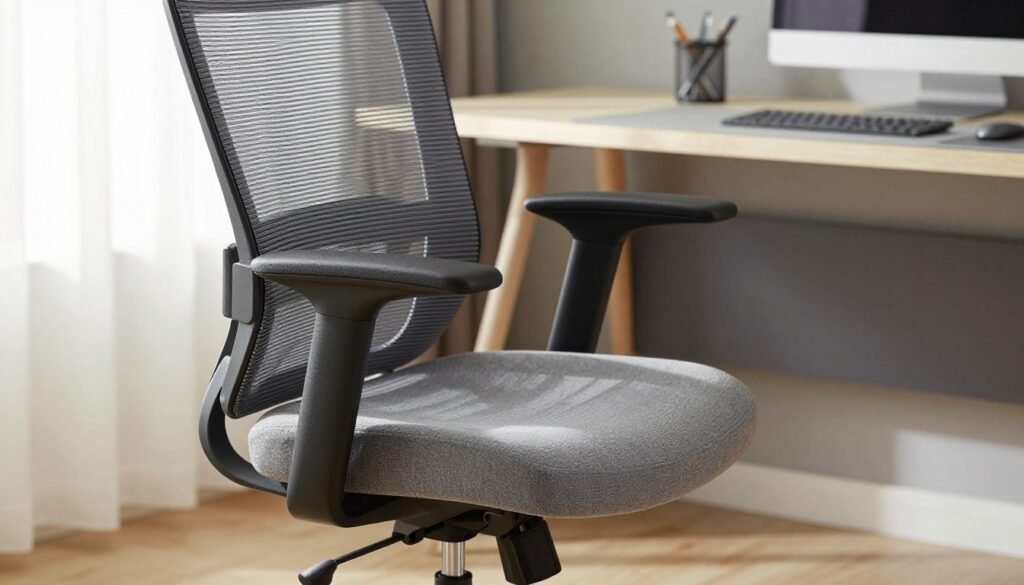
Finding a high-quality seat is the secret to staying focused and pain-free during the day. If you spend eight hours sitting in front of a screen, you need a great chair. You want something that makes you feel relaxed and energetic while you complete your tasks.
Investing in your health now ensures you do not feel drained when the day ends. Do not hesitate to spend money on a quality piece of furniture. Your back will certainly thank you later for making this smart choice.
Identify Essential Chair Features for Comfort
An ergonomic office chair with lumbar support is absolutely essential for anyone spending long hours at their desk. This specific type of seating directly prevents persistent back pain and long-term posture problems. When shopping, look for critical features like adjustable seat height and seat depth to fit your body perfectly.
Breathable materials, such as mesh, provide better airflow to keep you cool while you work. You should also look for adjustable armrests that support your forearms. This setup reduces tension in your neck and shoulders. Investing in these specific features ensures lasting comfort throughout your entire shift.
Adjust Chair Height and Lumbar Support Properly
Properly adjusting your chair is just as important as the quality of the seat itself. Start by setting the height so that your feet rest flat on the ground. Your thighs should stay parallel to the floor to maintain healthy blood flow. This position helps you stay focused for many hours at your desk.
Next, position the lumbar support to follow the natural curve of your lower spine. This prevents the slouching that leads to chronic strain over time. When typing at your desk, your arms should form a 90-degree angle. This alignment provides the best ergonomic posture and maximizes your comfort.
Step 4: Optimize Your Monitor Placement and Setup
Fine-tuning your visual workspace is a major upgrade that transforms your efficiency and physical well-being. How you position your monitor impacts your posture and how fast you finish a task. A smart setup allows you to stay focused without the nagging ache of a stiff neck during work.
Choose Between Single Monitor, Dual Setup, or Ultrawide (29-34 inch)
Multitaskers often find that a dual monitor configuration boosts their efficiency by nearly 30%. This allows you to view several applications at once without flipping through tabs constantly. Programmers and designers thrive with this extra screen real estate on their desk.
If you want a seamless look, an ultrawide monitor is a fantastic choice. A 34-inch screen provides enough space to keep your code editor and a browser open side-by-side. This creates a fluid workflow that feels much more natural than switching windows.
While larger displays are great, writers might prefer a single, focused monitor. This keeps distractions to a minimum and helps you stay in the zone. Regardless of your choice, the goal is to create a station that supports your specific daily habits.
Position Monitor at Eye Level (4-8 inches elevation)
Keeping your monitor at the right height is crucial to avoid eye strain and neck tension. You should use a monitor stand adjustable height to raise your display by 4 to 8 inches. The top of your monitor should sit roughly at or just below your eye line.
Proper positioning lets you maintain a natural viewing angle throughout the day. This prevents you from hunching over your desk. It also keeps your spine aligned, which is essential for those who spend long hours at a computer monitor.
If you rely on a laptop, an external monitor is a vital investment for your long-term health. It helps reduce eye strain and ensures your eye level remains consistent. Using a dedicated monitor makes your daily tasks feel much less exhausting and far more comfortable.
Finally, remember that small adjustments to your monitor height can lead to massive gains in comfort. Elevating your monitor even slightly can change your entire perspective. This simple fix is one of the best ways to perfect your professional monitor arrangement.
Step 5: Arrange Your Keyboard and Mouse Ergonomically
Crafting a healthy workspace requires more than just a good chair; it demands careful attention to your hands and wrists. Proper keyboard placement and alignment are the foundations of long-term health during your work day.
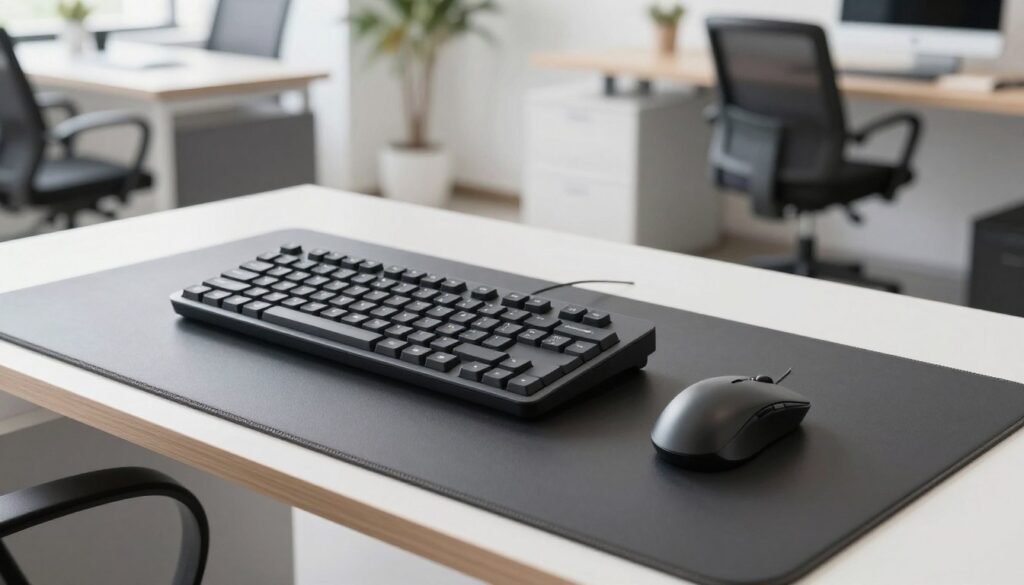
When you ignore these small details, you invite repetitive stress injuries that can sideline your productivity. Small adjustments today prevent significant medical issues tomorrow.
Position Keyboard for Neutral Wrist Angle (10-degree split)
Using an ergonomic keyboard with a 10-degree split design naturally aligns your wrists. This specific configuration reduces the strain on your tendons and nerves during long sessions. We highly recommend a mechanical keyboard like the Anne Pro 2 for its superior tactile feedback.
Your keyboard is your primary tool for productivity, so it should feel responsive and tactile. Typing for many hours becomes much more pleasant with high-quality equipment. Always ensure you keep your device at elbow height on your desk.
This allows your arms to rest at a comfortable 90-degree angle. Avoiding a sharp upward bend is vital for your long-term wrist health. A pleasant keyboard improves both your accuracy and your typing speed. Investing in an amazing keyboard will pay off through better focus and minimized physical discomfort.
Select a Mouse That Fits Your Hand Size (7-9 inches)
Choosing a mouse that matches your hand size is equally important for overall comfort. Most adults find that a grip measurement between 7 and 9 inches works best for daily use. A mouse that is too small forces you to grip too tightly, causing unnecessary strain.
The Logitech MX Master 3 is a fantastic choice for any professional environment. This mouse helps you keep your wrists in a neutral, straight position while navigating your screen. This neutral alignment is essential to prevent Carpal Tunnel Syndrome over time.
After using a mouse for several hours, you will certainly notice the difference a proper setup makes. Ensure your mouse stays close to your body to avoid overreaching on your desk. This simple ergonomic adjustment protects your shoulder and wrist from chronic fatigue. A high-quality mouse provides the precision needed for complex daily tasks.
Step 6: Implement Effective Cable Management
Effective cable management is the secret ingredient to a professional and safe office environment. A messy heap of wires often leads to big headaches and lower efficiency. You want a workspace that functions safely without the risk of tripping over loose cords.
Proper cable management can reduce visual clutter by up to 80% instantly. It also protects your expensive equipment from accidental damage or unnecessary tension. Taking control of your wires makes your entire setup feel more polished.
Use Cable Sleeves and Organizers (40-inch sleeves)
Organizing your tech might not be glamorous, but it is absolutely essential for a professional look. Use 40-inch cable management sleeves to bundle your loose wires into a single, clean tube. This management tool stops tangling and makes your desk look much sleeker.
Adhesive cable clips are another great management option for routing wires along the furniture edges. These clips keep your cable ends exactly where you need them for daily use. This simple cable management step saves time when you need to swap out devices.
Install Under-Desk Cable Trays
Under-desk cable trays create a hidden pathway for all your bulky power strips and long cords. These trays keep everything off the floor but still easy to reach for any management task. Many modern desk models feature built-in grommets for clean cable routing through the surface.
Using these features keeps your workspace surface clean and focused for better organization. Try labeling your cable ends with colored tape to make troubleshooting connection issues much easier later. This management habit prevents a chaotic desk from distracting you.
Creating a cable management plan before you start is the best way to ensure success. Think about where each device sits and how the cable will reach the power source. This final management touch ensures your office remains a safe place to work.
Step 7: Set Up Proper Lighting to Reduce Eye Strain
You might not realize it, but the way you light your office directly impacts how tired you feel. Proper lighting is absolutely critical for reducing eye strain during long sessions. Poor conditions force your eyes to work much harder, which causes fatigue and painful headaches.
Combine Natural Light with Task Lighting
Relying only on the sun sounds ideal, but smart setups combine natural light with focused task lighting. Start by placing your desk near a window to soak up the sun. Use curtains or blinds to manage the intensity throughout the day.
This simple step stops the sun from creating a harsh glare on your screen. Next, add a high-quality lamp to your workspace. Look for models with dimmer controls that offer 0-100% brightness adjustment.
This flexibility allows you to tailor your lighting as the sun sets. Layering different sources creates a comfortable environment. It ensures your eyes don’t have to struggle in the dark while you work.
Position Desk Lamp to Avoid Screen Glare (5000-6500K LED bulbs)
Where you place your lamp matters as much as how bright it is. Always position your task lighting to the side of your workspace. Never put it directly behind the monitor, as this creates a nasty screen reflection.
Using LED bulbs that mimic natural daylight (5000-6500K) is a game-changer. These bulbs minimize eye strain far better than old yellow lights. They provide crisp, clean illumination that keeps you focused and alert.
Consider placing a small lamp behind your monitor to provide a gentle backlight. This reduces the sharp contrast between a bright display and a dark wall. This trick is especially helpful for those who suffer from astigmatism.
Keep your room’s main overhead lighting on to fill the entire space. A well-lit desk area prevents the light from your display from hurting you during a long day. This balanced approach to lighting ensures you stay productive without any discomfort.
Step 8: Add Essential Comfort Accessories
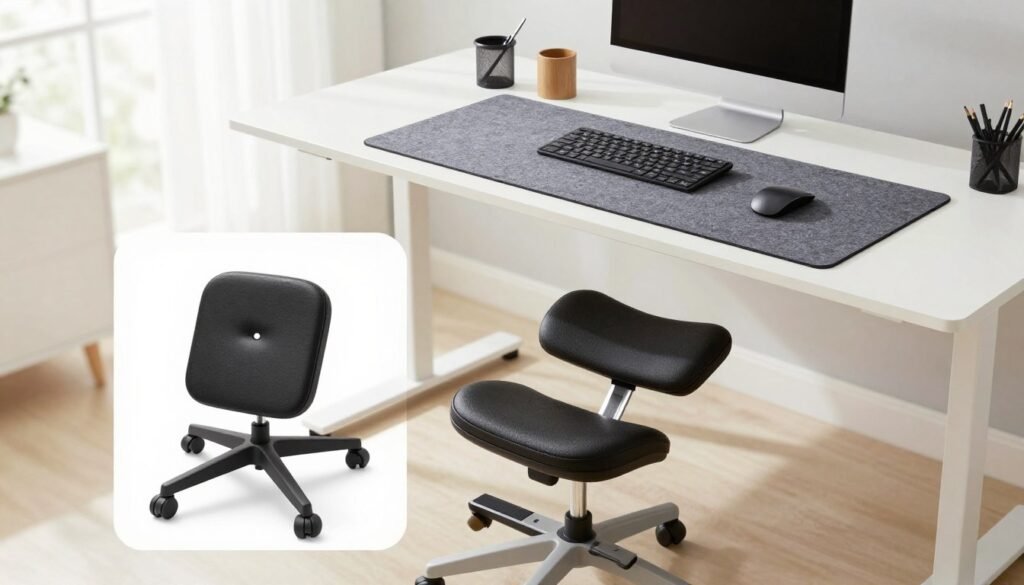
Even a professional desk setup isn’t complete without a few key comfort-focused items. These small additions might seem minor, but they make a massive difference in your daily work routine.
By refining your personal space, you can maintain high energy levels all day long. Investing in the right tools ensures that your body stays supported throughout the entire afternoon.
Place a Desk Mat for Smooth Surface (24×14 inches)
A desk mat provides a smooth, consistent surface for mousing and writing while protecting your desk from permanent scratches. At a size of 24×14 inches, it offers plenty of room for your tools without cluttering the area.
These mats also effectively reduce the noise produced by heavy typing or rapid mouse movements. This creates a much calmer environment, allowing you to focus deeply on complex projects.
It is a low-cost investment that significantly improves the tactile feel of your workspace. This addition ensures your desk remains pristine while making your typing feel premium and controlled.
Use an Adjustable Footrest (4-12 inches height)
An adjustable footrest is often the missing piece in a truly ergonomic setup. If your feet do not reach the floor comfortably after adjusting your chair, you might experience leg fatigue.
Models that offer a height range between 4 and 12 inches allow you to find the perfect angle for your legs. This extra support boosts circulation and removes pressure from the back of your thighs.
Maintaining proper posture is vital for long-term health and comfort. If you notice your legs feel heavy or tired, this tool can solve the problem instantly. It brings comfort to your body, ensuring your chair height works in perfect harmony with your equipment.
Best Desk Setup for Productivity: Organize Your Workspace
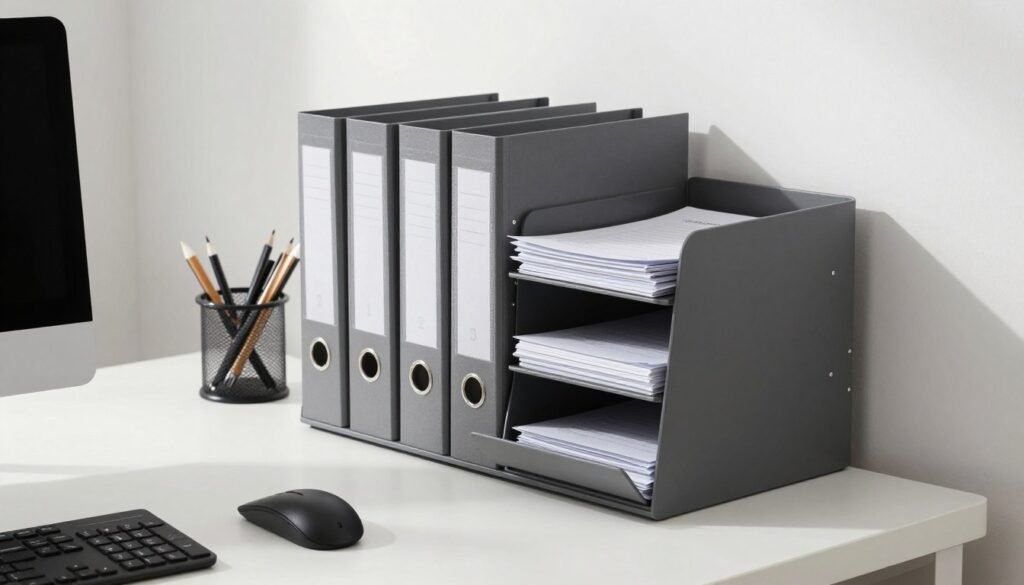
Achieving the Best Desk Setup for Productivity requires more than just fancy gear. It demands a commitment to order. A messy area often leads to a messy mind, making it hard to stay on task.
By tidying up your workspace, you create a calm environment. This allows your brain to process information without visual noise. Efficiency begins when you remove the chaos from your immediate surroundings.
Implement Storage Solutions and Drawer Dividers
A well-planned station should have a dedicated home for every tool you use. You can use a desk organizer with compartments to hold large documents up to 13 inches or tech gadgets. These tools ensure that your most used items remain within reach without taking up surface area.
Integrating vertical file holders and drawer dividers is a smart way to boost your storage capacity. Dividers are perfect for separating pens, paperclips, and sticky notes so they do not turn into a jumbled mess. This level of tidiness saves you time because you will not have to dig through piles for supplies.
Proper organization helps you maintain a professional flow throughout your shift. When everything has a place, your desk stays functional and ready for any project. Invest in quality dividers to keep your drawers from becoming “junk bins.”
Maintain a Clutter-Free Desk Surface (5-minute daily routine)
Keeping your workspace clear is a powerful way to sharpen your focus during a busy day. We recommend a minimalist approach where you only keep essential tools on the desk surface. Everything else should stay in designated storage spots to avoid distractions.
A simple 5-minute organization routine at the end of each work day can work wonders. Use this time to clear away loose papers and wipe down the surface. This consistent habit ensures you start every morning with a fresh perspective and a clean slate.
Consistency is the secret to a high-performing environment. Set aside a few moments each week for a deeper “desk detox.” Empty the trash and reorganize any misplaced equipment to keep your Best Desk Setup for Productivity in peak condition.
Step 10: Personalize with Plants and Motivational Items
Customizing your work area with greenery and meaningful objects can significantly boost your daily morale. Personalizing your setup isn’t just about decoration; it is about crafting an environment that drives your success. A unique desk makes spending hours at your workstation feel more like a creative choice than a chore.
Add Air-Purifying Plants (succulents, snake plants)
Introducing living plants into your work setup is a strategic move for both health and concentration. Low-maintenance items like succulents are perfect because they only require watering every 2-3 weeks. Snake plants are another excellent choice for any professional office because they are nearly impossible to kill.
These specific plants actively purify the air by removing harmful toxins like formaldehyde. This natural process can improve the air quality in your room by up to 30%. Better air often leads to sharper focus and fewer headaches during long shifts.
Beyond the physical benefits, having greenery nearby offers a vital connection to nature. This bond reduces stress and improves your overall mood while working indoors all day. A small plant makes your workspace feel fresh, vibrant, and alive.
Include Motivational Items and Personal Touches
Personal touches are vital for making a workspace feel like your own, but balance is key. You should limit yourself to approximately three carefully chosen items to maintain a professional design. This limit prevents your desk from becoming cluttered while still showcasing your unique personality.
Consider a personalized calendar with motivational quotes or small framed photos of your loved ones. Meaningful trinkets or souvenirs can also provide a sense of comfort and familiarity during a busy day. Keeping these objects in sight reminds you of your personal goals and values.
You can also use wall space for artwork, posters, or a whiteboard with your weekly objectives. This creative design transforms a generic office into a place that truly inspires you. The right items ensure you feel motivated to do your best work every single shift.
Step 11: Integrate Technology and Productivity Tools
Once your physical space is ready, it’s time to focus on your digital tools. Integrating the right technology into your desk setup can dramatically improve workflow efficiency. It helps professionals in all fields complete their tasks faster and with more accuracy.
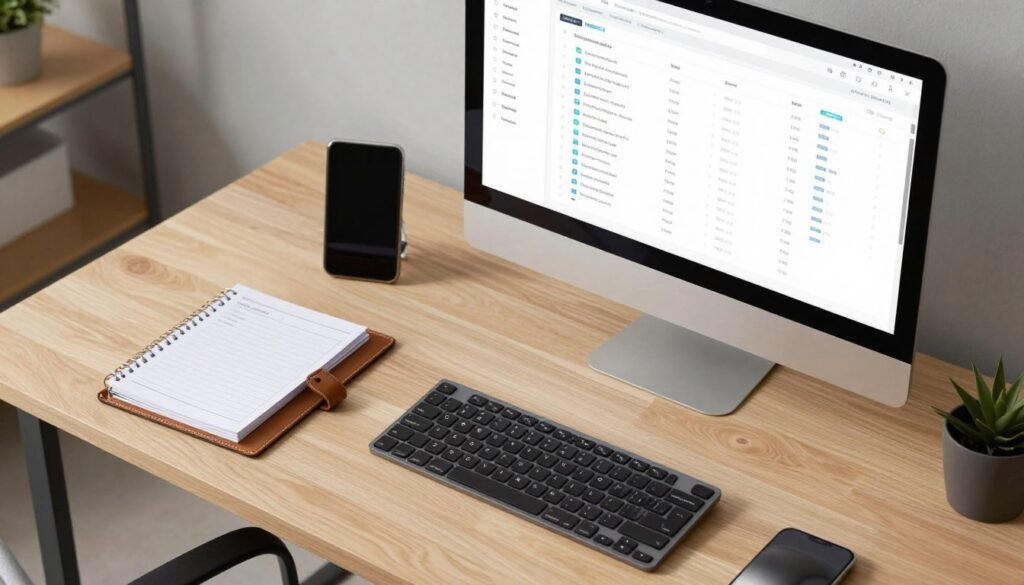
Set Up Time Management Tools and Planners
Managing your time effectively is much easier when you have the right tools within reach. Using paper planners with hourly slots can improve how you allocate hours by 20% compared to digital-only options. The physical act of writing helps you remember your daily tasks better and keeps your mind focused.
You can also try the Pomodoro Technique to stay sharp. This involves working in focused 25-minute intervals followed by a short break. Consistency is the real secret to seeing great results.
Time blocking is another great way to structure your work day for maximum productivity. Spend 10 minutes every morning reviewing your priorities before checking your inbox. This simple routine ensures you stay ahead of your schedule and avoid unnecessary stress.
Use Project Management Software (25% efficiency increase)
Project management software is one of the best tools for modern professionals. These platforms can increase your efficiency by 25% by showing deadlines and project progress clearly. Keeping your digital setup organized on your computer ensures you never miss a beat during a busy week.
Cloud storage solutions with 1TB capacity are also essential tools for a seamless workflow. These systems help you identify productivity patterns and eliminate time-wasters by keeping files organized. Using these tools ensures your projects are finished on time without the frustration of lost data.
Always choose software that you actually enjoy using. The best productivity tools are the ones that fit your natural work style perfectly. Pick a system that matches your specific needs so you can manage all your tasks with total ease.
Step 12: Maintain Your Setup and Monitor Your Health
Long-term success in a home office depends on how well you treat your body and your gear. Building the perfect environment is a great start, but quality results require ongoing care. Professionals who ignore maintenance often find their focus slipping over time.
Your physical health and desk cleanliness directly impact how much you finish each day. By following a simple routine, you ensure your tools stay ready for any challenge. Sustainability is the secret to high performance in any career path.
Schedule Weekly Desk Detox and Cleaning Sessions
Set aside time each week for a deep desk detox. This routine helps you clear physical and digital clutter that builds up during long hours of work. Wipe down your workspace surface with a microfiber cloth to remove dust.
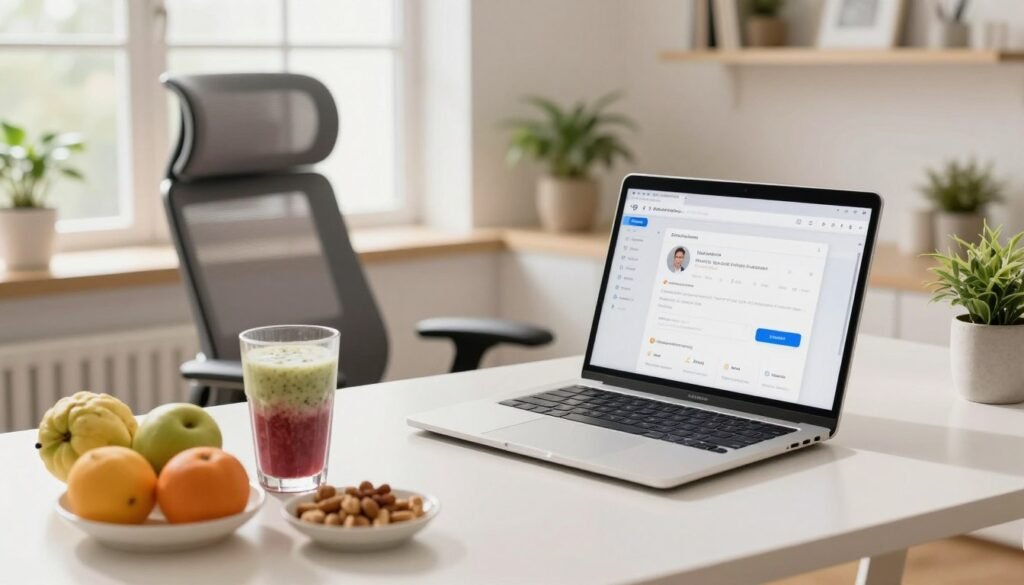
Clean your keyboard, mouse, and monitor to keep them in top quality condition. Reassess your item arrangement to ensure it still meets your current needs. Emptying your trash can regularly prevents a messy look and improves your mental clarity.
Practice Healthy Habits
Maintaining your body is just as important as your tech. Create a hydration station with a 32 oz water bottle and a pitcher. Drinking enough water keeps your energy high throughout the hours spent at your computer.
Stock healthy snacks like nuts (1 oz serving), fresh fruit, or yogurt nearby. These foods boost your power without the sugary crashes of junk food. Eating well fuels your brain for complex problem-solving.
Take regular movement breaks every few hours to keep your blood flowing. This balance keeps you healthy and ready for another productive day in your home office. Consistent habits turn a simple room into a true power center.
| Maintenance Task | Frequency | Primary Benefit |
|---|---|---|
| Surface Sanitization | Weekly | Removes germs and dust from the workspace |
| Hydration Refill | Daily | Prevents fatigue and improves mental clarity |
| Digital Declutter | Weekly | Speeds up computer and organizes files |
| Stretch Break | Every 2 Hours | Reduces muscle tension and boosts circulation |
Conclusion
You now have the complete blueprint for a desk setup that balances high efficiency with deep comfort. We have covered everything from choosing a quiet space to perfecting your lighting and cable management. Every element works together to build a workspace that supports your productivity and professional excellence.
Investing in a quality standing desk allows you to master the sitting standing rhythm throughout the day. This simple change improves your workflow and reduces the physical strain caused by long hours of work. By choosing the right size for your equipment, you ensure your home office remains a sanctuary.
Proper sitting standing habits combined with a high-quality standing desk will protect your body during long sessions. Remember to position your monitor correctly to prevent eye fatigue during intense tasks. Adding a BenQ Monitor Light Bar Series provides adjustable illumination for computer work without annoying screen glare.
This thoughtful design transforms a generic office into a high-performance environment where you can truly excel. Don’t forget the importance of storage and organization to keep your home station tidy and clear. Even small additions, like air-purifying plants or a footrest, make your daily life much better.
These tools help professionals maintain a clear mind and a sharp focus on their most important goals. Transformation does not have to happen all at once; start with one or two small changes today. Your desk is where you spend significant time, so make it the best investment for your career.
A balanced sitting standing routine keeps you energized and ready for any creative challenge. Whether it is refining your standing posture or fixing your setup, every step brings you closer to excellence. Every office deserves a design that promotes productivity and improves your life in a busy home office.
The setup you create today will define how professionals handle future challenges and daily stress. Keep your focus on building a workspace that truly supports your physical and mental needs. Ensure your monitor stays at eye level to maintain the highest standard of health in your home.